Overview
Viewing your Account Settings will allow you to access and change various settings such as time zone, password, notifications, department, API tokens, etc.
This article contains the following sections:
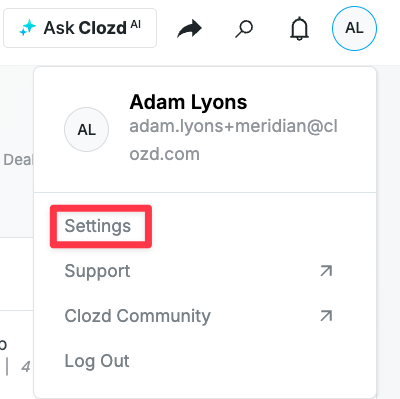
You can navigate to your Account Settings by clicking on your initials in the top right corner of the Clozd Platform and by then clicking Settings.
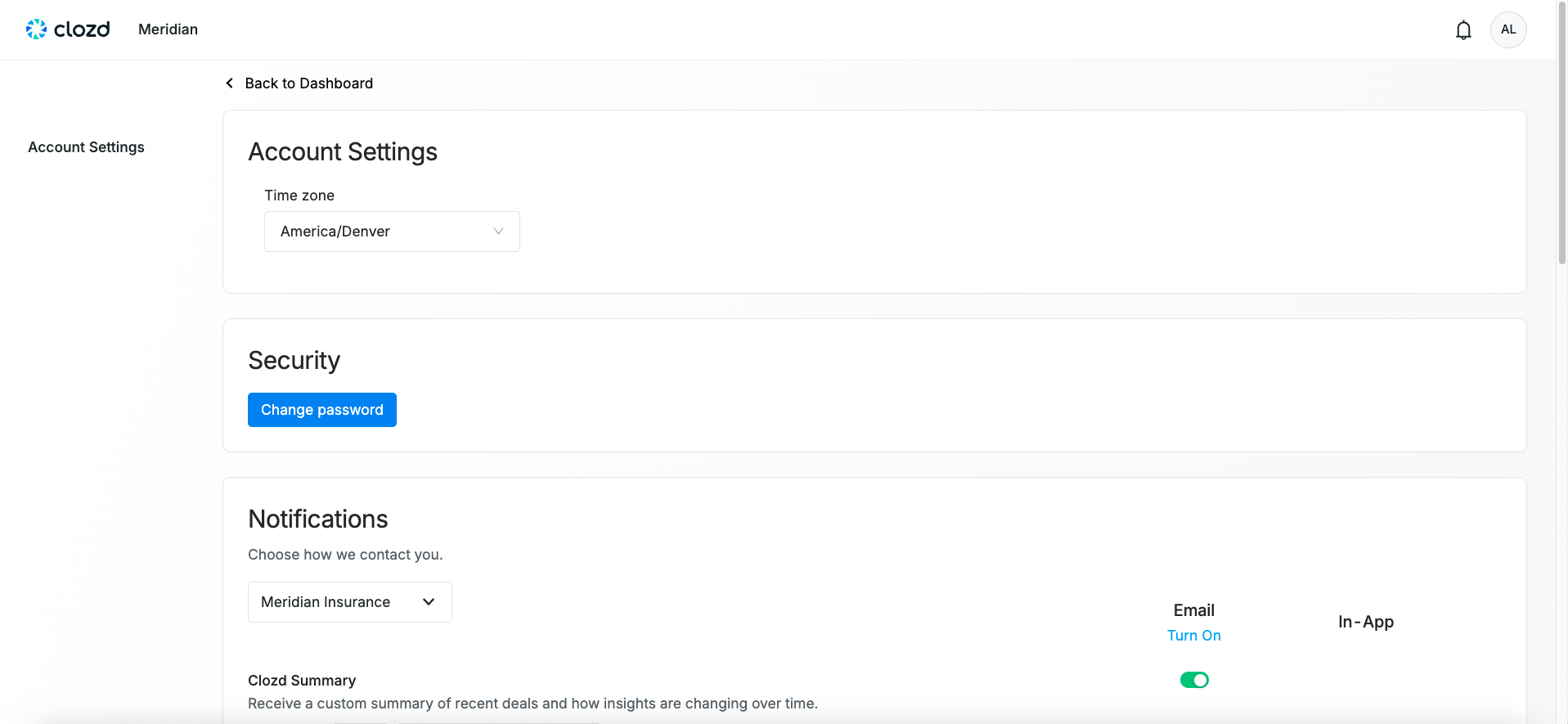
Here you can set your time zone, change your password, edit the notifications you receive, edit your position, and edit/add API tokens.
Components
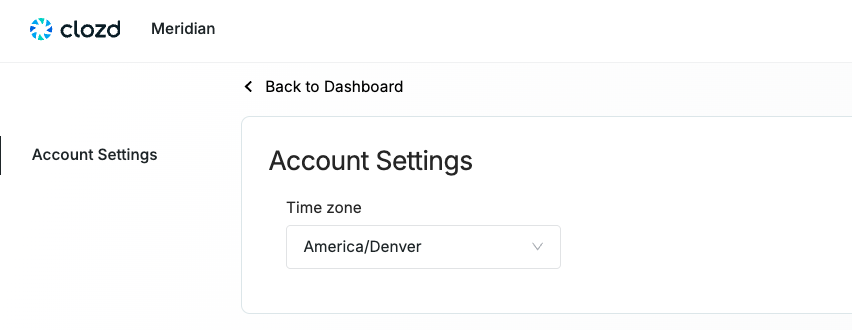
Account settings
Select the time zone you are located in.
Security
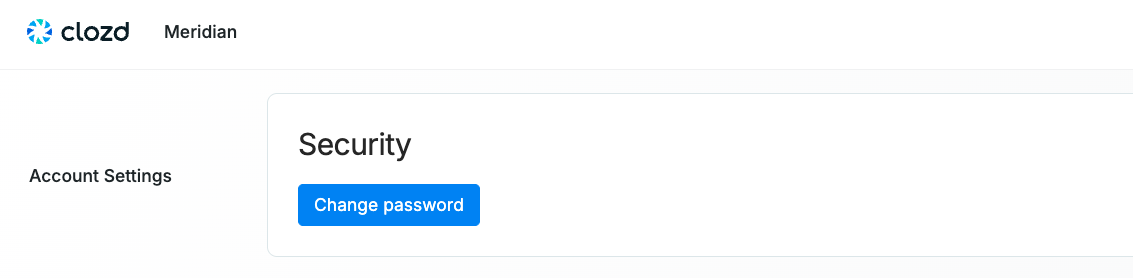
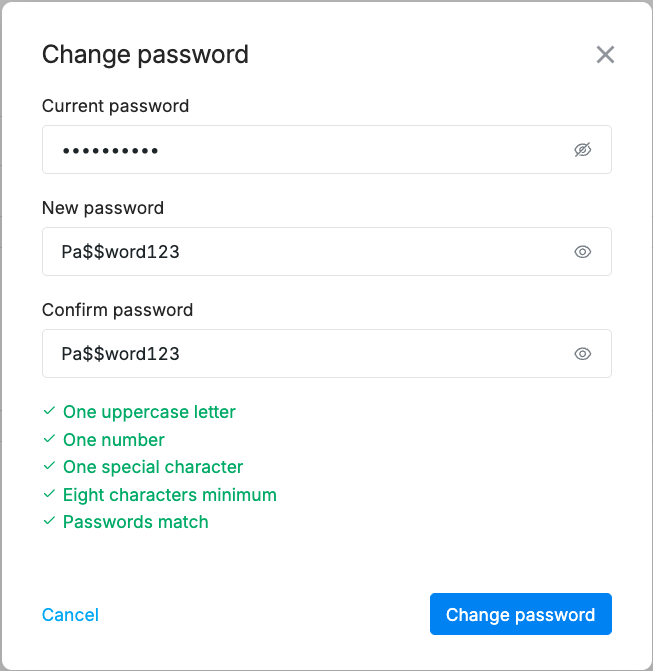
Click on the "Change password" button. Once you do, you will see a popup where you can change your password.
You will need to include your current password, and then choose a new password that meets the requirements. If can't remember your password and you need to reset it, see this article. Managing Users
Note: If your organization uses SSO, reach out to your IT team to reset your password.
Notifications
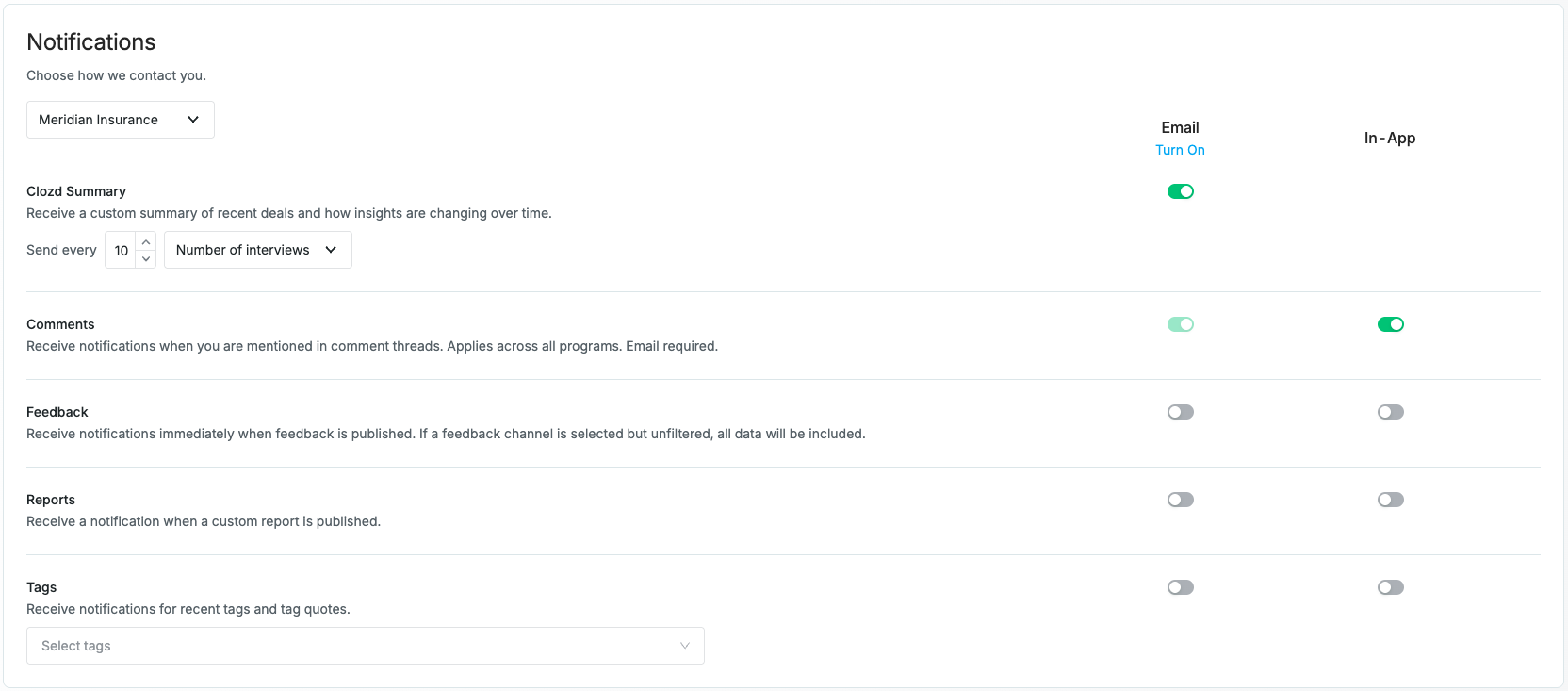
For each win-loss program within your organization, you can choose what notifications you'd like to receive. You can choose to receive a Clozd Summary of recent deals, and edit how often it sends. You can also choose to receive notifications for Comments, Feedback, Reports, and Tags.
If you would only like to receive notifications for interviews fitting a certain criterion, you can leave the boxes here unchecked and subscribe to a filter in the Platform. To learn how to set up a filter subscription, see How to Navigate Filters.
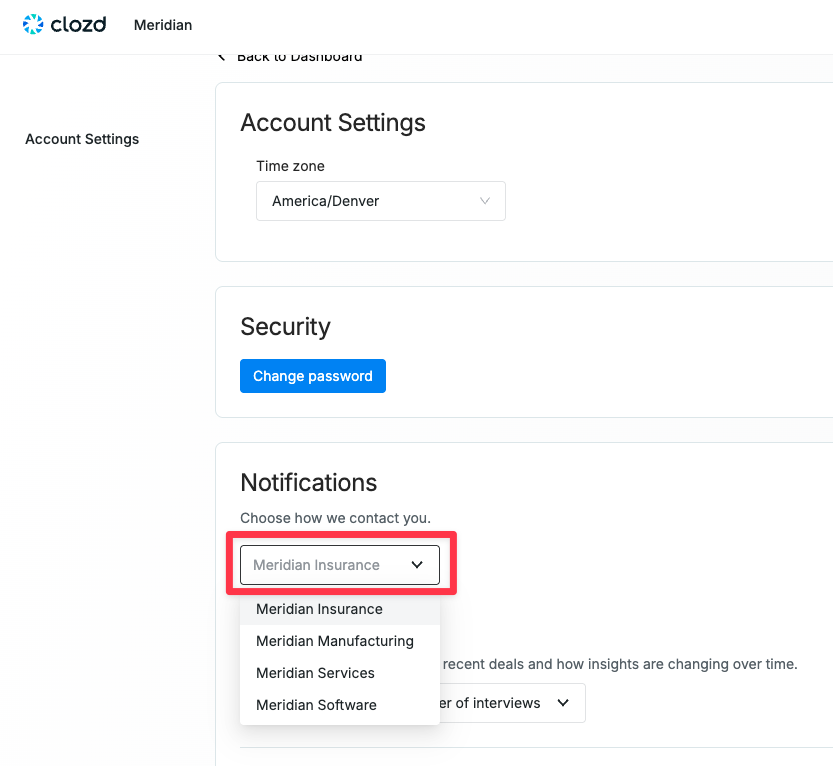
Note: If you are an admin, you will have a dropdown at the top that allows you to select which program to edit
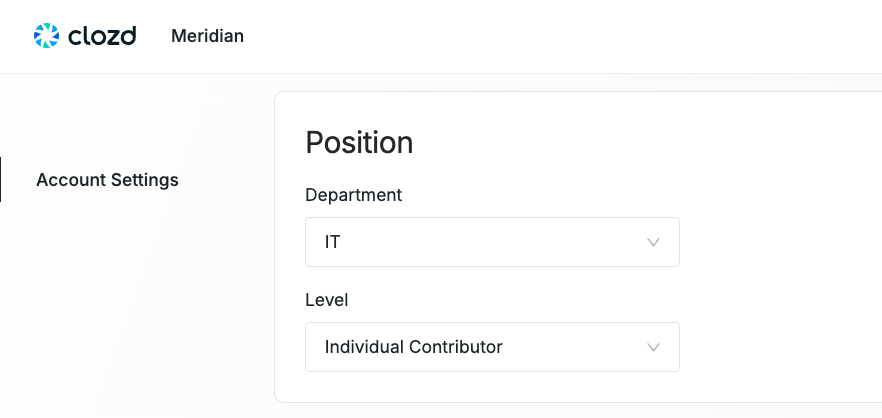
Position
Select the department and level that apply to your role within your organization.
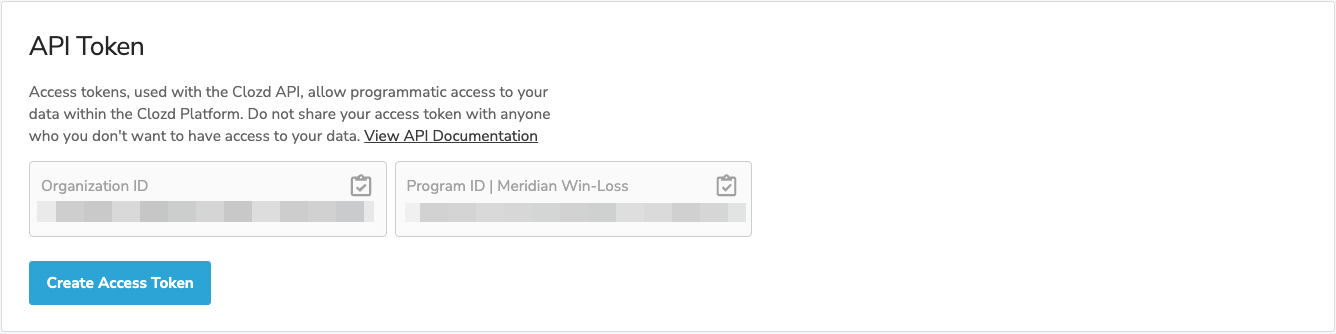
API token
Access and create tokens when importing deal data to Clozd from your CRM through API integration. For more information, see API Imports.
Questions?
For additional questions about account settings, please contact support@clozd.com.